

Claims Protected Is Not OTDR Protected: What Covers an FBM Order When the Carrier Is Late
By Archit Mathur · Published · Last updated
Short answer
Three Amazon protections cover seller-fulfilled orders when a carrier fails, one metric each. Automated Handling Time keeps offers from deactivation for Late Shipment Rate. On Standard Shipping, OTDR protection needs Shipping Settings Automation, an OTDR Protected label and automated or 0- or 1-day handling time. Claims Protected labels cover “Package didn’t arrive” claims only with an on-time first scan.
Say your label showed Claims Protected, the package left on the ship-by date, and the carrier delivered it two days late. On 29 August 2026 a seller asked Amazon's forum: "If I purchase a shipping label through Amazon Buy Shipping and ship the order on time, but the package is delivered late due to carrier delay, and the shipment is claim protected, will that late delivery still negatively impact my OTDR?" (opens in a new tab)
It can. Claims Protected and OTDR Protected are two different badges, and a third protection covers a third metric. The conditions below are as Amazon's help pages and announcements stated them when this was written on 21 October 2026. Since 28 February 2026 a low On-Time Delivery Rate can deactivate individual offers, and since 31 August 2026 so can the other FBM metrics, so check the settings before holiday volume arrives.
Three protections, one metric each
| Protection | What it protects | What it needs | Not covered |
|---|---|---|---|
| Automated Handling Time | Offers, from deactivation for Late Shipment Rate | Turned on for the whole account | Amazon does not say it changes the rate itself |
| OTDR protection | On-Time Delivery Rate | Shipping Settings Automation, an OTDR Protected label, and a third condition that depends on the shipping option | Free Economy; the Individual plan; labels without the badge |
| Claims Protection | Order Defect Rate and the refund cost, for “Package didn’t arrive” claims | A Claims Protected label, an on-time first carrier scan, and Amazon refunding the buyer | Late Delivery Risk labels; refunds you issue yourself; other kinds of claim |
The third OTDR condition comes from Amazon's On-time delivery rate (opens in a new tab) page. On Standard Shipping it is Automated Handling Time, or a 0- or 1-day SKU handling time with an on-time first carrier scan. On Seller Fulfilled Prime and Premium Shipping it is an on-time first scan. Enrolment in Amazon Easy Ship is a separate route. Amazon's pages do not agree on the SKU option: the Buy Shipping protections page, the February announcement and the OTDR page's own summary list Automated Handling Time alone, and only the OTDR page's tools section and the handling time page add the 0- or 1-day route. OTDR protection is "currently only applicable to Professional sellers who ship from the US and China".
Two badges on the label, for two different metrics
Amazon's Buy Shipping protections (opens in a new tab) page covers a "Package didn’t arrive" claim when the label was a Claims Protected service, the first carrier scan was on time and Amazon reimbursed the buyer. Amazon then funds the reimbursement, and the claim is not counted against your Order Defect Rate. OTDR Protection has its own badge, and a label marked Late Delivery Risk carries neither.
A service can carry one badge and not the other. One seller, writing in March 2026, had enabled Shipping Settings Automation and bought every label through Amazon and still found that "Whenever I purchase a label it only indicates ‘claim protected’, not OTDR protected.." (opens in a new tab) A package that arrives two days late is a late delivery, and late deliveries fall under the OTDR badge.
A missed pickup lands on you either way
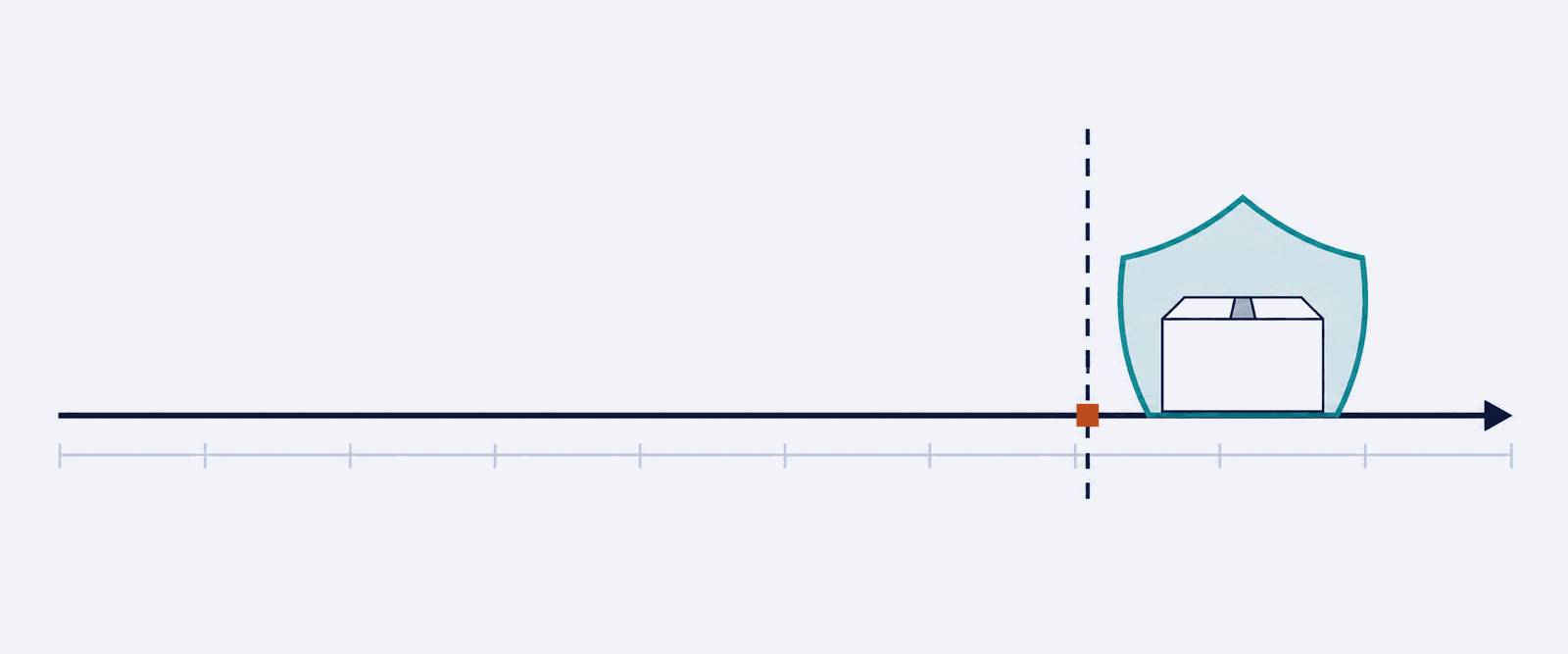
For Claims Protection, Amazon's protections page says the order counts as shipped on time "at the moment of the carrier’s first scan, not when you confirm shipment." The OTDR page applies the same test wherever its conditions include shipping on time, and says the first scan typically happens when the carrier picks up from your location or when you drop off.
Late Shipment Rate is less clear-cut. Amazon's Late Shipment Rate page (opens in a new tab) defines a late order as one with "no shipment confirmation by the expected ship date." Its handling time page (opens in a new tab) adds that you must confirm shipment on the same day you hand packages to the carrier, "which we verify by comparing with the first carrier scan", and that confirming before the first scan date can get the account restricted. Replying in a thread opened on 17 July 2026, Sofi_Amazon went further: "Late shipment is measured by when the carrier scans the package, not when you drop it off." (opens in a new tab) A seller reported on 6 March 2026 that "the carrier failed to pick up the packages that day due to weather conditions. Amazon automatically detected the carrier’s first scan date and marked the order as late shipped." (opens in a new tab)
So when the pickup is missed, both choices cost something. Confirm on the day and the confirmation comes before the first scan, which the handling time page says can restrict the account, and the seller above confirmed on time and was still marked late. Confirm the next day and the order is late by the Late Shipment Rate page's own definition.
In August 2026 a seller asked moderators to review an A-to-z claim on a package the carrier had photographed at the buyer's door. The label showed Claims Protected. The seller wrote that "Amazon has referenced the carrier’s first scan being July 22 while the ship-by date was July 21" (opens in a new tab) and asked Amazon to reconsider a $286.51 seller-funded refund and the Order Defect Rate impact. Josh_Amazon escalated the case, and the thread does not say how it ended.
Your confirmation does not decide what counts as on time
Claims Protection, and OTDR protection on the routes that require shipping on time, read the carrier's first scan. A label printed and confirmed on the ship-by date and picked up the next morning fails them. In peak weeks, check each carrier's last pickup time and hand packages over before it.
OTDR counts units, so a late multi-unit order counts several times
Amazon's OTDR page (opens in a new tab) sets out the window: units with a promised delivery date in the last 21 days, excluding the most recent seven, which may still be in transit. It measures the percentage of tracked seller-fulfilled units delivered by the "Deliver by" date shown in Seller Central, before any promise extension, so the date the customer sees can be later.
A seller posted the effect of one late delivery on 28 August 2026: "since this particular order was for 16 units, my ratio went not form 27 of 28 (96%) on time but 27 of 43 (63%) on time." (opens in a new tab)
| Units in the window | Late units allowed | After one late 5-unit order |
|---|---|---|
| 20 | 2 | 75% |
| 50 | 5 | 90% |
| 100 | 10 | 95% |
| 300 | 30 | 98.3% |
Protected late units do not count against the rate. The page's own example has 15 late units out of 100, five of them protected, and an OTDR of 90% where it would otherwise be 85%. Even without the tools, Amazon says it will not count deliveries made late by a major disruption that affects all sellers shipping to a region, as Amazon determines it.
Handling time now has to match how fast you ship
Amazon's notice of 27 May 2026 (opens in a new tab) says that "many sellers set longer SKU-specific handling times than needed …", and from 29 June 2026 handling time has to match how fast you ship. A manually set SKU is monitored over 30 days, and one consistently shipped at least a day faster than stated is flagged. If you do not correct it within 30 days of the notification, Amazon adjusts it for the next 180 days, grants Late Shipment Rate protection for it, and does not let you change it in that period.
Automated Handling Time tightens as you get faster. A low-volume seller wrote on 17 July 2026: "I ship all orders by the next business day, but since I typically process them within hours, my AHT window keeps getting shorter." (opens in a new tab) The Amazon moderator who replied suggested SKU-level handling time overrides of one business day instead. The OTDR page's tools section keeps protection open on that route, as long as the first carrier scan is on time. The trade is the Late Shipment Rate deactivation protection, which comes with Automated Handling Time.
The handling time page lists the tools for a bad week. Order handling capacity caps the orders you ship in a day and adds a business day to the handling time of orders after the cap. For a disruption such as extreme weather, you can raise a SKU's handling time and set it back afterwards, which the page says you must do to stay compliant; that is not possible on a SKU Amazon is managing.
The handling clock starts at the order. Notifcentral's order alerts push each new sale to your phone within about a minute and can be filtered to FBM, so a late-morning order is less likely to sit unseen until the afternoon. They cannot see a carrier's scan, so they will not tell you a pickup was missed; the carrier's tracking will.
Your own carrier account can carry the protection
Both protections need a label bought through Amazon Buy Shipping, including through Veeqo, so a label bought elsewhere and uploaded as tracking cannot meet them. Since 27 July 2026 (opens in a new tab) you can link your own USPS, UPS Roadie, UPS Mail Innovations, OnTrac or DHL eCommerce account to Amazon Buy Shipping and keep your negotiated rates. Amazon says linking makes you eligible for Buy Shipping protections, "specifically on-time delivery rate protection and refunds for delivery-related claims", with their usual conditions. The carrier still bills you for the label.
An Amazon email that a seller posted on 26 August 2026 says that "By April 2027, all parcel shipping templates for Fulfilled by Merchant offers will be updated with automated transit times for standard shipping …" (opens in a new tab). Replying in that thread, Angie_Amazon confirmed that there is no opt-out for Handmade, that Seller Fulfilled Prime, Premium Shipping, freight templates and templates already on Shipping Settings Automation are excluded, and that you receive an email 14 days before your templates change.
If an offer is deactivated anyway
Since 28 February 2026 (opens in a new tab) an OTDR below 90% can deactivate the offers with the most impact on the rate. Amazon may deactivate every seller-fulfilled offer if the rate is significantly below 90%, the failure repeats, or performance still does not recover. Since 31 August 2026 (opens in a new tab) the same per-offer approach covers Cancellation Rate, Late Shipment Rate, Order Defect Rate and On-Time Delivery Rate, and Amazon sends a warning email before any offer is deactivated. The thresholds for each metric are in Amazon Account Health in 2026: The Real Thresholds, and Which Ones Do Not Apply to FBA.
Only orders in your on-time delivery defect report count against the rate, so that report shows which late units were not protected. Download it from the Shipping Performance section of Account Health. To reactivate offers deactivated for OTDR, Amazon's OTDR page says to open Other Policy Violations, find the listings marked Order Performance - On time Delivery Rate on the Product Policy Compliance page, and select Submit Appeal and follow the instructions, after which the listings are reactivated automatically. If every seller-fulfilled offer was deactivated, the page sends you to How to improve your order performance instead.
Open Shipping settings today and check that every standard shipping template has Shipping Settings Automation on.
Frequently asked questions
Does a Claims Protected label protect my On-Time Delivery Rate?
No. Claims Protection keeps “Package didn’t arrive” A-to-z and SAFE-T claims off your Order Defect Rate. OTDR protection needs a label with the separate OTDR Protected badge and Shipping Settings Automation, plus, on Standard Shipping, Automated Handling Time or a 0- or 1-day SKU handling time with an on-time first scan.
How does Amazon date a delivery for OTDR?
Against the "Deliver by" date in Seller Central, before promise extensions, in Pacific Time: a 1 January date means delivered by 11:59:59 p.m. PST. If the carrier documents a failed attempt because the customer was unavailable, the attempt date counts, and a package redirected to a pickup location counts on the first attempt.
Do weekends count toward handling time?
No. Amazon measures handling time in business days, excluding holidays and weekends, unless you enable Saturday and Sunday as handling days. A seller-set holiday makes any other day non-operating and moves the ship-by date to the next business day, while your listings stay in search and customers can still order.
What happens if Amazon takes over my handling time?
After a flagged SKU goes uncorrected for 30 days, Amazon manages its handling time for 180 days, with Late Shipment Rate protection, and you cannot change it. To appeal, Amazon asks for tracking IDs, label purchase times, ship confirmation logs and carrier scan records for 3 to 5 SKUs.
Do labels bought through a shipping integrator count?
Only if the integrator buys them through Amazon Buy Shipping. Amazon's protections page says labels bought through its API or a multichannel integrator can be Claims Protected and, where it applies, OTDR Protected, and that Late Delivery Risk labels are filtered out. A label bought elsewhere carries neither protection.
Does the June 2026 handling time rule apply to handmade sellers?
No. Amazon's handling time requirement does not apply to custom, handmade, perishable, and Heavy & Bulky less-than-truckload shipments, and it applies only to Professional sellers. The move to automated transit times by April 2027 does apply to Handmade, with no opt-out, according to Angie_Amazon in a thread opened on 26 August 2026.
Sources
- 01On-time delivery rate (opens in a new tab) — Amazon Seller Central
- 02Amazon Buy Shipping protections (opens in a new tab) — Amazon Seller Central
- 03Handling time requirement (opens in a new tab) — Amazon Seller Central
- 04Late Shipment Rate (opens in a new tab) — Amazon Seller Central
- 05Update to OTDR listing deactivation process as of February 28, 2026 (opens in a new tab) — Amazon Seller Forums
- 06
- 07Link your carrier accounts to Amazon Buy Shipping (27 July 2026) (opens in a new tab) — Amazon Seller Forums
- 08
- 09Review Account Health updates for FBM offers (31 August 2026) (opens in a new tab) — Amazon Seller Forums
- 10
- 11Question regarding on-time delivery (29 August 2026) (opens in a new tab) — Amazon Seller Forums
- 12FBM On Time Delivery Rate (March 2026) (opens in a new tab) — Amazon Seller Forums
- 13Late Shipment Rate Calculation (6 March 2026) (opens in a new tab) — Amazon Seller Forums
- 14
- 15
Get told automatically
Notifcentral subscribes to Amazon's order update notification and pushes new sales and buyer-requested cancellations to your phone within about a minute. Alerts can be filtered by SKU, by fulfilment channel (FBA or FBM), and by a minimum item count, so high-volume sellers only get alerts for the orders they care about.
How orders & cancellations alerts work →notifcentral
Push alerts for Amazon sellers: FBA fee changes, Buy Box loss, listing issues, held funds, reimbursements and payouts.

Alerts
Compare
Guides
© 2026 Notifcentral